


Where can I check shipping?
Visit our Shipping & tracking page for delivery information and the link to track your order.

Warmth for your downtime.
A USB-powered knee wrap with three selectable heat settings and adjustable hook-and-loop straps.
Check the product instructions for compatible USB power and safe use.
Couldn't load pickup availability


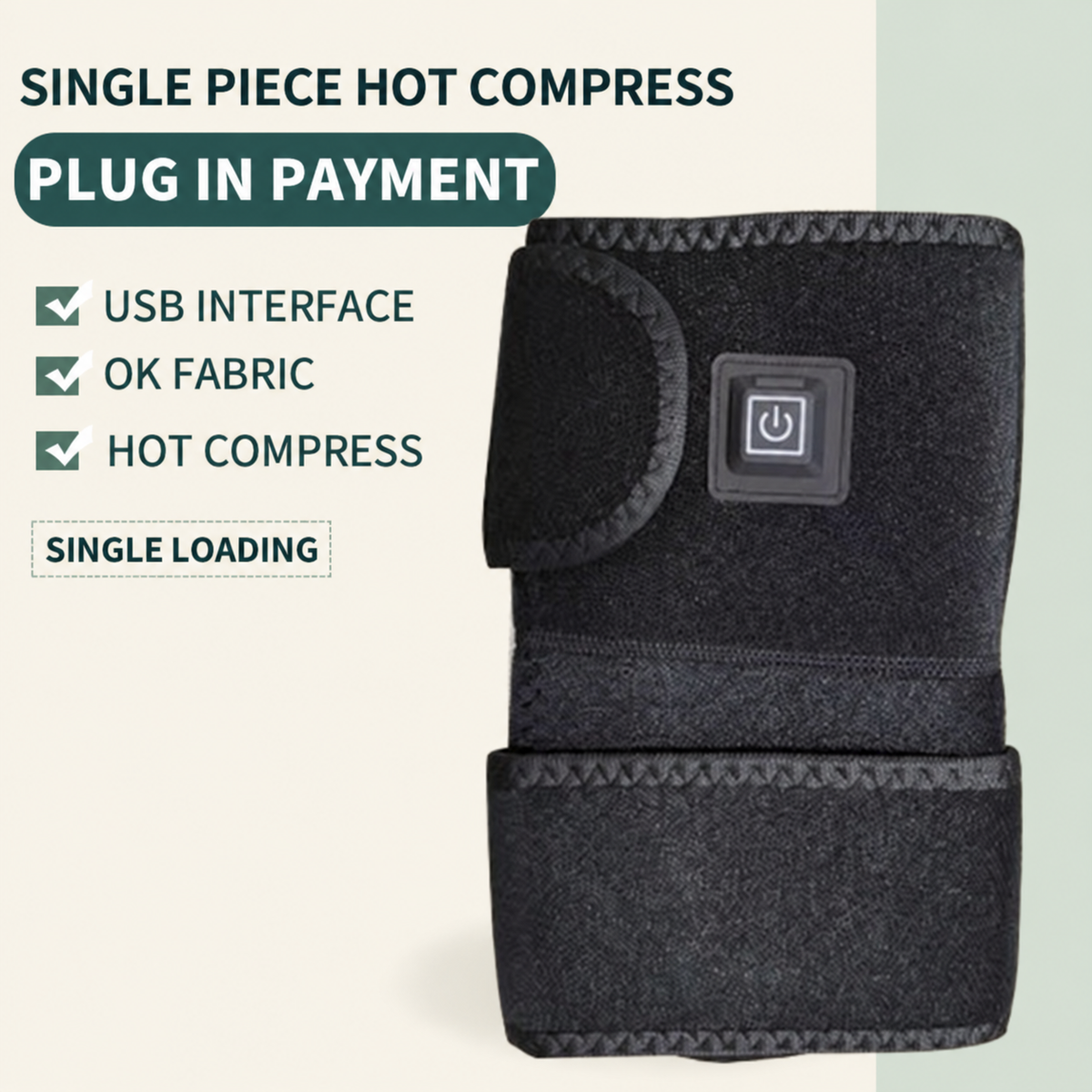

A wired heated wrap for a seated pause at home. The button sits directly on the wrap, while the USB cable supplies power during use. The gallery shows its fit from several angles.

Two hook-and-loop straps adjust the fastening around your knee. The open-flat view shows where the straps attach and how the fabric wraps around the joint; use the supplied fitting directions for positioning.

Choose between three heat settings using the on-wrap button. The close-up shows the control and wired connection together. Check the exact instructions for compatible USB power, session length and use precautions.

The three close-ups identify the wired connection, inner mesh pocket and hook-and-loop fastening. Keep the power connection dry and disconnect before cleaning; follow the care directions supplied with the wrap.

The supplied graphic labels red as high, white as medium and blue as low. Its printed temperature ranges are supplier information, not an independent measurement. Follow your exact unit’s manual, remain awake and stop if the wrap feels too hot.
A USB-powered knee wrap with three selectable heat settings and adjustable hook-and-loop straps. The black wrap combines a wired power connection with a button directly on the fabric, keeping the main control within reach during seated use.
The gallery shows the wrap open flat, fitted around a knee and in seated at-home scenes. Close-ups show the control button, wired connection, inner mesh pocket and fastening surfaces, making the construction easier to inspect.
Follow the supplied fitting instructions to position the wrap and fasten the two straps. Connect it only to a power source that matches the product's electrical requirements. USB power describes the connection; it does not mean this is a cordless, battery-powered wrap.
Use the on-wrap button as directed in the manual. Check the exact product instructions for heat settings, session limits and precautions before use. Disconnect the power before cleaning, and follow the supplied care directions.
Visit our Shipping & tracking page for delivery information and the link to track your order.
Translation missing: en.dilauss.product_faq.heated_knee_wrap_use
Translation missing: en.dilauss.product_faq.heated_knee_wrap_answer